An accessibility audit should finish the form
How to test an application from the first screen through errors, recovery and confirmation.
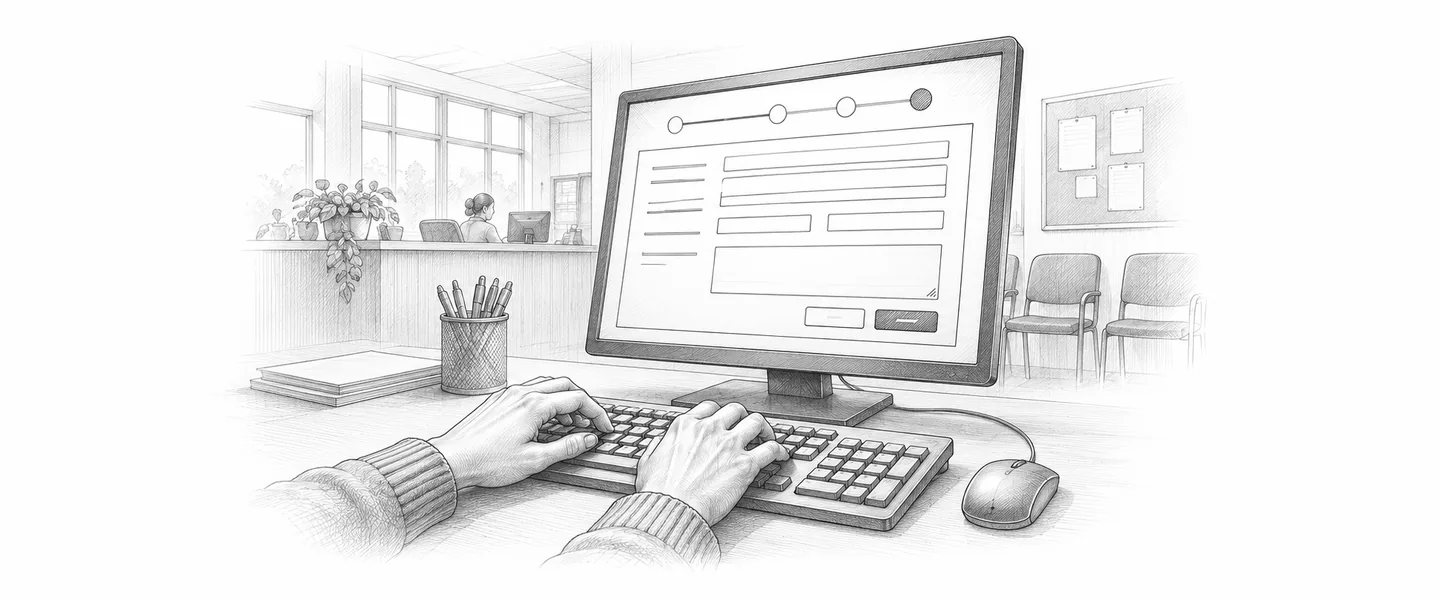
Imagine a charity testing the accessibility of an application form. The first screen is usable by keyboard, the labels are clear and the contrast is good. Then a user submits a form with a missing answer. The page moves back to the top and puts the explanation beside a field farther down. The person can't tell what happened. The team tested a form screen, but the person was trying to make an application.
In February, W3C published its first draft of WCAG Evaluation Methodology 2.0. The methodology describes how to set the scope of an evaluation, explore a digital product, choose a representative sample, evaluate it and report the findings. The February document was a draft note. W3C published the later Group Note in July. The methodology is a way of evaluating against WCAG, with particular attention to selecting the parts of a product that can support a useful conclusion. February WCAG-EM 2.0 draft · W3C publication history
Start where an applicant starts
Try one ordinary route into the service. Follow a link from the page a person finds in search. Read what they need to prepare, start an application, make a plausible mistake and try to correct it. Keep going until you can tell whether the charity received it. Save the pages and states along the way. This is a useful place to start selecting a sample because each step has to work for the next one to matter.
Include whatever happens if someone has to stop. An application may let a person return from a link in an email, or it may give them a reference to quote when they call. In either case, try the return route with the same access needs as the original test. If a person can complete the happy path but cannot resume because the email or the return screen is unusable, the team needs to decide how that affects the service.
The W3C draft asks evaluators to cover complete processes where they select parts of a product for assessment. For a charity working on a small budget, that is a reason to prefer one carefully tested route over a set of tidy screenshots from unrelated pages. You can still add pages to cover different templates or technology. Begin with a task people actually need to finish. W3C draft, selection of representative samples
See what the error feels like from the keyboard
To reproduce the opening case, fill the form by keyboard and submit it with an answer missing. Where does focus go? Can you reach the explanation and the field it refers to? Can you tell which of your other answers survived? Have someone try the same task with a screen reader or the assistive technology they actually use. Tell them what the task is and let them decide how to move around the page.
A quick repair may make the error easier to find and preserve the answers the person already supplied. Retest after the change. Then check what happens when there are two errors, when a file fails to upload and when the person reaches the final confirmation. An error summary that works on one screen may tell you something different about a step built by a supplier.
Write each finding against a specific task. “The application could not be submitted after a required field was missed” gives the next person a place to start. Record the steps and what the tester expected, alongside the criterion the judgement refers to. If a supplier owns the form, send a way to reproduce the failure without asking them to use a real applicant's information.
Be clear about the part you tested
A small charity may control the introduction and application form while another organisation runs the booking system. The person applying has to use both. Include the boundary in the evaluation, and say who can fix what. If the booking service is unavailable to someone using assistive technology, document a real alternative and test that too. A phone number is only useful if a person can reach someone who can make the booking.
An automated check can catch repeatable problems quickly, which makes it useful while the form is changing. Keep the task-based checks for the points where a person needs to understand what happened and take another action. In particular, have someone test the user's route through revised states rather than accepting a report that shows the same number of warnings before and after the change.
Record the dates, tools and versions in the team's audit materials. Put a short description in any public summary of what was in scope and who performed the evaluation. Be careful about claiming more than the evidence supports. A representative sample can guide repairs. If the team wants to make a formal conformance claim, it should check the requirements that apply to that claim and the scope it names. WCAG-EM 2.0, scope and evaluation reporting
Sample the pages that work differently
A service can have two routes that look similar until you try them. An application for one kind of help might accept typed answers. Another uses the same template but requires someone to upload a document. A sample that includes the easier route can show how the shared fields behave. It cannot show whether somebody can choose a file, recover from an upload failure or understand the file requirements. Add a second route when it introduces a condition the first route never exercises.
Some pages are important because of when a person needs them. A confirmation can be a brief screen with little content. It may still be the only place that gives a reference number or sets out the next step. Check what the page tells someone who cannot see its visual emphasis. Then find out whether that person can retrieve the reference later. Those decisions affect what an evaluator needs to include, even if the confirmation looks like other pages in the site.
Ask staff what people get in touch about after submitting an application. If callers repeatedly want to know whether the form arrived, consider testing the confirmation with that question in mind. It gives the audit a practical starting point alongside the criteria the evaluator applies.
Leave the next team a repeatable check
Give someone who didn't take part in the audit one of its findings and see whether they can demonstrate it. If they have to ask which test account, link or type of error was involved, add that information to the record. Then agree what a repair has to show before the issue can close. A completed ticket is evidence that work happened. The failed step has to be repeatable to show that it now works.
Add the task to the next release check. The team can record the specific path and the condition that caused trouble, so it can run a short version when it changes validation, sign-in or confirmation. If it has to choose one thing to repeat, choose the step where an applicant could lose their progress or miss an outcome.
The most useful handover from the first audit may be a simple account of how to start the form, make an error, recover and finish. Leave that route with the person who owns it, with a way to test it after a change. Then the next person checking the service has a better question than “does this page pass?”