The recording is the version people will use
What to check when publishing a recording someone else will need to maintain.
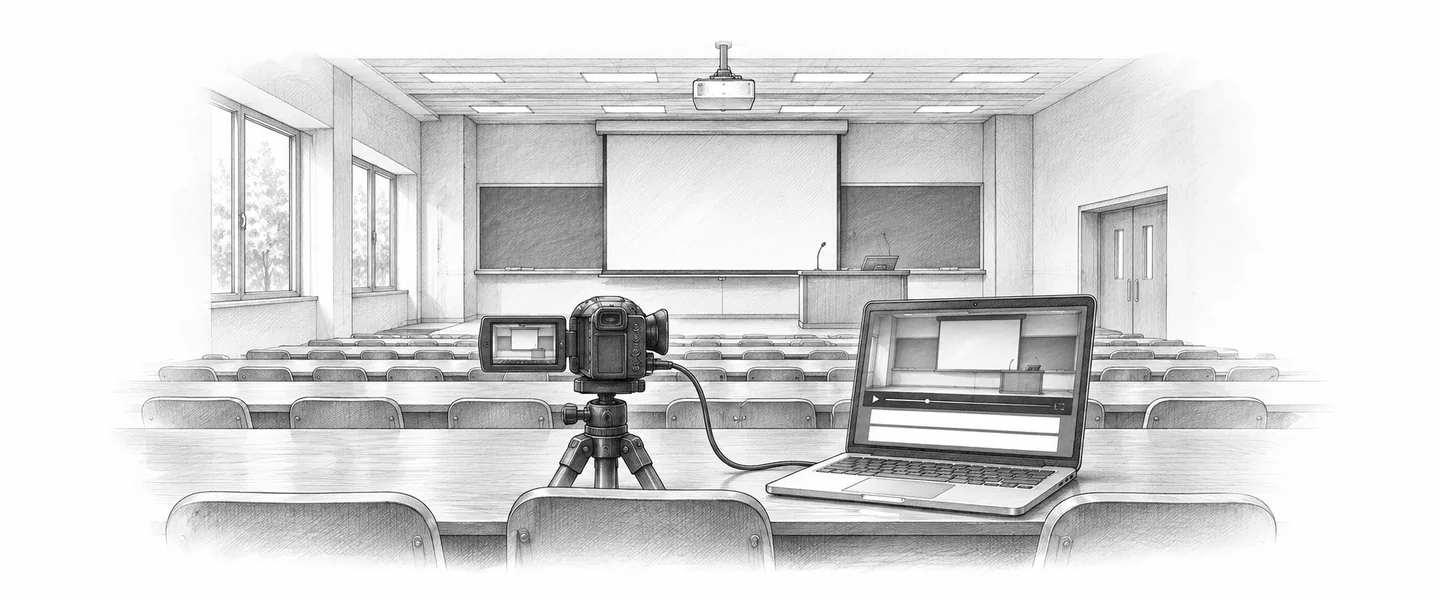
Imagine a tenants' advice charity runs an evening session on how to book an appointment. At minute 18 the presenter shares a slide with two phone numbers, points to the left and says, "Use this one if you've had a letter." The live audience sees the gesture. Someone listening to the replay hears "this one" and has no way to tell which line to ring. The charity puts the recording up the next morning and the advice line starts getting calls at the other number.
The New York City Mayor's Office for People with Disabilities has an audio description and captioning guide dated August 2026. It covers description for informational videos and live presentations, and distinguishes captions built into the picture from captions people can switch on. Its description guidance focuses on visual information needed to understand the material. August guide, pp. 2–3 and 5–7 · Current HTML guide
Find the part somebody has to act on
Take the session the team sends out most often and find the bit where a person needs to do something. In the appointment example, a worker can mark the time the number appears and check which line is for letters. That immediately gives them a correction for the page next to the video. Put the two routes in words someone can refer back to, check that each number is still current, and give the person handling appointments a chance to verify which kinds of enquiry go where.
A summary beside the player will help somebody looking for one number. It won't let them follow a discussion where the presenter answers questions about appointments. For that, check the captions against the recording. Play a stretch with the sound down. Can you follow which person is speaking when a caller asks a question, and see which words belong to the answer? Then listen without the picture for a separate pass. Write down any moment where important information is available only in a gesture or on a slide. The two passes will give you different jobs to fix.
A short qualification can matter more than a long paragraph. Suppose the presenter says the line is open "until half past four, except on Wednesdays" and the caption line ends before the exception. Correct that before cleaning up every hesitation in the introduction. Ask the service owner about changes since the session, and mark a new correction visibly on the page or update the recording. A transcript made accurate to a speaker's words can still give somebody yesterday's instructions.
Leave the repair with the next editor
Keep a caption file with the recording and the material needed to update it. If you only have the version with captions in the picture, a correction might mean producing another video. If there's a separate timed caption file, try editing one line in a test copy, uploading it to the current player and checking the result from the public page. Put the file where the next editor can find it and describe which cut of the video it belongs to. If you remove thirty seconds at the start, review the timing through to the end.
Check how people will reach the video. An embed in a resource page and a link distributed directly in an email give readers different routes to the text beside the recording. Put the accompanying instructions where people following the direct link can find them too. If a second team posts an excerpt on its own page, supply the relevant captions and the link to the current instructions, with a named contact for changes. The advice team can then correct the number once on the maintained page and tell the person responsible for the excerpt.
If the person who recorded the session has left, find out whether a colleague can get to the original recording and change the published caption track using their own account. A contractor can supply accessible material that is perfectly usable on the day. The charity needs the rights and access to correct it six weeks later. Check that while there is still someone around who can tell you where the files went.
Change the next session before you switch the camera on
Ask the presenter to say the parts people will need later, including which number to ring and what to do if the office is shut. If they plan to demonstrate a website, have them name the control and describe the result after they use it. During the practice run, get somebody to follow along without looking at the display and mark the first place they need help. One change in the script might save an entire voice-over later.
Decide before the event who monitors captions and what they do if participants report a problem. They need a way to receive that report which the audience can use during the session. If someone is typing a question, make sure the person answering acknowledges the question in a form that the recording audience can follow, with permission and identifying details handled before the recording is shared. Put any correction that changes the advice into the accompanying written instructions.
Allow time after the event to review what you'll publish. Book a person to review timed captions, a service colleague to verify the instructions and time to test the published player. A team with one afternoon might choose to publish a short, carefully explained demonstration and keep the long discussion as an internal reference. A service worker can then send a link knowing the demonstration covers the whole appointment booking step.
If you arrange live captions, ask whether the captioner can send a timed file as well as a transcript. Try a file in the player before you assume the same text can go straight onto the recording. The video might begin after the welcome or have a break edited out. Whoever prepares the replay needs to check the timing against that cut, including after any slides or questions you remove. NYC caption file guidance
Fix the recordings staff still send
Start with the links in appointment reminders, volunteer induction messages or saved replies. Those show where an old video can still affect a service decision. Open each one as a reader would and check who can replace it. A correction page is worth more when the worker's saved reply points to it. If a recording describes a service that has closed, ask whoever handles its enquiries what visitors should do now, then put that instruction at the old point of entry as well as the current one.
Before the next batch of advice letters goes out, ask the appointments team to open the recording from the link they're about to send. Have them check the number beside the player against the number given at minute 18. If the two disagree, they need the name of the person who can change the page that morning.