The school has the devices. Can a class use them on Tuesday?
What schools need after new devices arrive so teachers can use them in an ordinary lesson.
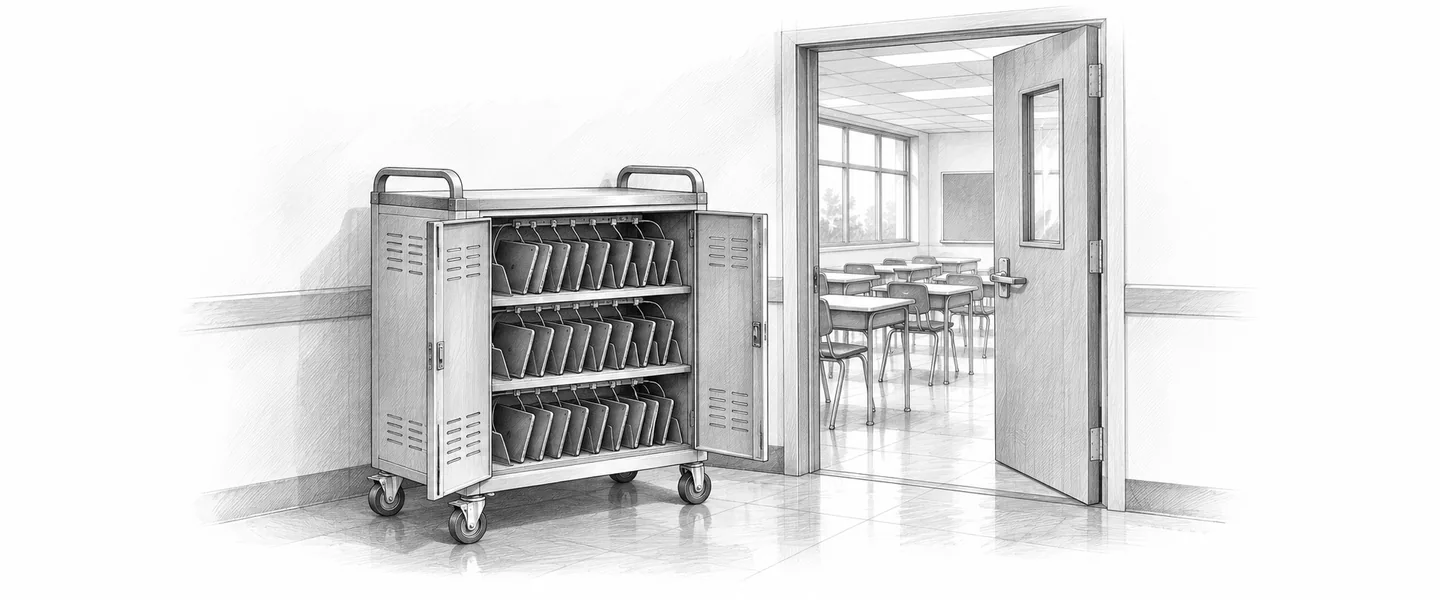
Picture a teacher taking a class into a room with a new set of computers. There are enough machines for the activity, as long as they start. A few pupils can't sign in, two chargers have gone missing and the lesson needs a file that the teacher hasn't been able to download. The delivery was real. The question for the school is how much of the lesson remains by the time everybody can begin.
In February, Medellín reported that it had delivered 5,431 technology resources to public schools, including computers, tablets, interactive boards and specialist equipment, against a target of 25,000 over the administration's four-year term. The city said the equipment was selected with reference to schools' educational projects and needs. The delivery figure comes from the city's report. The Tuesday lesson is a hypothetical test of a different part of the job. Medellín's school equipment update
An organisation funding equipment has a reason to count what arrives. It also has a chance to make it easier for schools to use the equipment next week. Ask the teacher to choose a lesson for the first trial and use that lesson to see what else needs to be in place.
Start with one lesson on the timetable
Choose an activity the teacher already wants to run. Find out which room it uses, who hands out the machines and what pupils have to do before they can start. Prepare the materials as the teacher would for an ordinary lesson. Then have someone who didn't set up the devices follow the same instructions.
Keep a short record of what interfered. A delayed login, a missing charger and a file stored in the wrong place require different people to act. If the teacher has to catch a technician in the corridor every time a password needs resetting, figure out how the school wants to handle that. A school can solve some of the trouble by changing the way it gets ready for class. Other repairs need time from the team that manages the devices.
Try a second lesson run by a different teacher at the same school. If starting depends on a single person arriving early to fetch and charge equipment, give the task a place in the school's routine. A cupboard key and a booking list can matter as much to the lesson as the choice of software. Put both within reach of the people who run it.
Plan for the devices that fail
A spreadsheet can say when a device arrived, where it belongs and what happened when it failed. Give it enough detail to track a repair without turning it into a record of what individual children do. Schools carrying devices between rooms should have a way to tell which equipment came back, and who to tell if something needs attention.
Work out which faults stop a lesson and which can wait. A broken screen can take one machine out of use. A change to a shared sign-in system can stop a whole class. For that second kind of problem, give staff a contact who can make a decision while there is still time to teach. Where the lesson can continue offline or in pairs, prepare that option in advance. The teacher should know when to use it instead of being left to invent another activity in front of the class.
Check what happens after the first set of repairs. If the supplier sends a replacement, can the school prepare it for a pupil without booking the original installer? If the device has to leave the site, agree how any stored data will be handled before it goes. Put the expected cost of chargers, repairs and replacements into the decision about expanding the fleet.
See who can take part
A lesson built around a shared set of devices may still ask a pupil to do something difficult or impossible with the equipment available. Ask the staff who work with those pupils which settings, input devices or activity changes they need. Try the lesson with those arrangements in place. A device that can technically run an accessibility feature is only part of the answer if somebody has to ask for it to be enabled each time.
Consider what happens when work continues away from the classroom. If the activity assumes access to a computer at home, find out whether that assumption holds for the pupils involved. The teacher might decide to complete the activity in class or give pupils a different way to continue. That decision belongs in the lesson plan, alongside instructions for using the equipment.
Take care with comparisons between schools. One may use devices for a weekly timetabled class, while another needs them for a smaller group that wouldn't otherwise be able to participate. Set a measure that fits the school and ask the teacher what would count as an improvement. A single count of sessions can miss a reason the equipment mattered.
Give the school one useful way to ask for help
Suppose a teacher reports that several laptops worked on Monday but cannot load an activity on Tuesday. The technician needs to know which room and devices are involved, what the teacher tried and whether the same activity works elsewhere. Decide where a member of staff can send that information without creating a separate login just for support. Make sure somebody can see the report when the usual contact is away.
Keep the report short. “Six laptops in room 12 could connect, but none could open the local activity after sign-in” gives the support team something it can try. A list of every pupil affected may add little. Give the teacher a way to say whether they have another lesson affected later that day. That helps the person responsible for repairs decide whether to offer a temporary change or investigate before the next class.
It is worth checking how long a problem takes to resolve after it stops being urgent. A teacher can switch to paper and complete a lesson. The equipment may remain unavailable for the next person if the first report quietly closes once the teacher moves on. Ask how staff can see whether a repair is still open and how they find out a device is ready to use again.
At the end of the first term, look at which problems repeated. A school can change how it stores or charges equipment, while the purchasing team may have to change a contract or order a common replacement part. The records are useful if the person with responsibility for the change can understand the problem from them.
Check the fleet against the timetable
Ask a school to choose a week and show which planned activities happened, which were delayed and why. Keep delivery totals, attendance and classroom disruption separate. If devices are available but a lesson can't get started, the answer may be a small change in how the school sets up accounts or shares materials. If the same problem turns up across schools, it may justify a change in procurement or support.
Review one lesson that went well too. Ask the staff involved what they had to arrange for it to happen. That is useful evidence for the next school or the next term. A successful delivery should leave somebody able to prepare the equipment and teach a normal lesson without having to know who was there on delivery day.