Can a school leave its learning platform without losing a term's work?
How schools can test whether teaching materials and learner records can move before they commit to a platform.
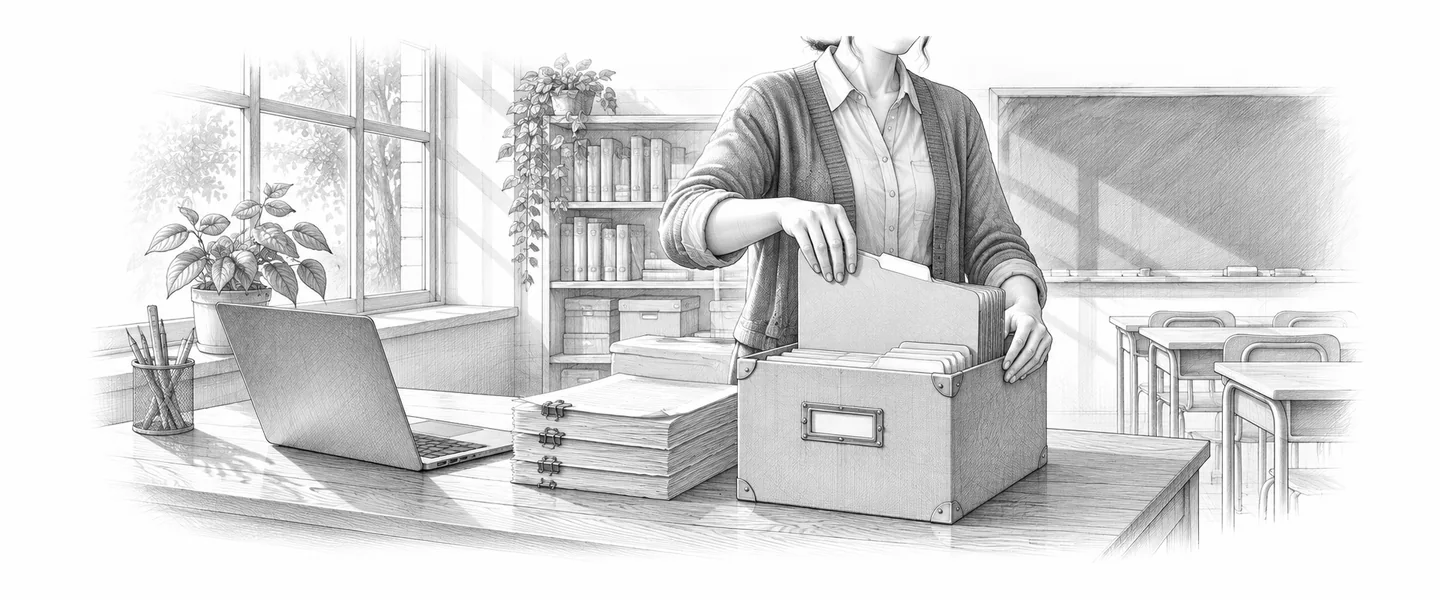
Imagine a school changing the system it uses for online lessons. A teacher exports a course and opens it in the replacement. The text is there. An exercise is missing its feedback, a video points to the old account and the link on the school's printed timetable returns an error. The export passed a technical check. The teacher still can't run the lesson.
In March, UNESCO, UNICEF and the International Telecommunication Union launched the Charter for Public Digital Learning Platforms. Among its principles are open standards, reuse and the ability to work across education systems. It also calls for public oversight, inclusion and responsible handling of learner data. For a school or NGO choosing a platform, that is a reason to ask for a demonstration before signing: can a teacher take a course out of the system and teach it somewhere else? UNICEF's charter launch announcement
Choose a course worth moving
A supplier can demonstrate an export with a short sample it created for the purpose. Ask the staff who run the service to choose a course that includes the things they actually depend on. It might have a sequence of lessons, a video with captions and a quiz that responds to different answers. Include materials people use away from the platform, such as a printable worksheet or a link in a message to families.
Record what the teacher expects a learner to be able to do. In the opening example the goal is to watch the video, try the exercise and understand the feedback. Import the course into another environment and ask someone to do exactly that. If the supplier offers an export in an open format, confirm which parts of the lesson it covers. A successful import can still need manual repair to reproduce the course well enough to use.
Check who can edit the copy after the move. A format that preserves the finished exercise may leave the teacher unable to change a question. Ask which parts are still editable and what tools somebody needs. Where a replacement can't reproduce a particular feature, decide whether to rebuild that lesson or choose a simpler version a teacher can maintain.
Handle learner records as a separate decision
A course and the records of the people taking it serve different purposes. A school may want to keep a teacher's materials while moving only the learner data needed for continuity. In the middle of a term, staff may need to know which work is outstanding and what feedback a learner has already received. They may have no reason to transfer older drafts or platform activity that nobody needs to see.
Ask the school to decide who may authorise the transfer and who can check that access is correct on the new system. Use fictitious learners for the rehearsal. Give them contrasting roles and histories so the people testing the move can see whether a pupil, a teacher and an administrator each get the right view. A lesson that imports cleanly gives no assurance about who can read the accompanying records.
Keep an account of what was left behind, why, and what happens to it. If the supplier retains information for a time, ask how the school can check what gets removed at the end of that period. The school should be able to explain the difference between keeping data it needs and carrying everything forward simply because the export included it.
Check the links and the people who use them
The course can be complete and still be hard for learners to find. Follow the links children and families use today. A link from a learning plan or timetable may have been copied into several places. Decide which links the school can replace and whether it can direct people onward from the old address during the change.
Take a sample from a learner who uses a smaller screen or a connection that drops. A video that was previously available at a low quality may load differently after a move. So may a document that staff relied on for a printable version of a lesson. Test the task with the equipment and connection a learner is likely to have. Give the teacher a way to explain what they should do if that route fails.
Choose a contact for the first week. The person receiving a request needs to know whether to look for a missing account, a broken link or a problem in the imported lesson. If a teacher can repair a broken link themselves, give them the instructions. Save calls to the supplier for the things only the supplier can fix.
Check who owns the parts that came from somewhere else
A course can link to a video supplied by another organisation or use a reading the school has permission to display to one class. If the export contains a link rather than a copy, find out whether the new platform can use it. If the supplier included a copy, ask who can decide whether it should be kept. The teacher should know which material can be shared with another school and which needs a fresh decision.
Make a list of dependencies for the course you rehearse. Record where each item lives, who can update it and how a new staff member can access it. A teacher can use that list to choose a substitute while there is still time to prepare. If an essential exercise can only be delivered with an account the school is about to lose, solve that problem before asking the class to start using the new platform.
Include the way out in the agreement
A school can put a plain test in its buying decision. Choose one of its courses, ask for a copy and have a teacher use it elsewhere. Name what the test must preserve. Ask how often the school can make a fresh copy and what charges or restrictions apply at the end of the contract. Use the answer to decide how expensive a future move would be.
If the platform is already in use, start with one course and make the test part of routine maintenance. Repeat it after a substantial upgrade or change to the tools the school uses to author lessons. Fix a broken dependency while there is time to ask the teacher what the lesson should do. Waiting until a contract ends leaves those small decisions to whoever can find the original files.
Plan the move around the teaching calendar. A school can rehearse a course early and leave the live one in place until staff can confirm what happens to work in progress. If a part of the move fails, agree which system teachers should use while it is fixed, and tell learners where their work will be found. Nobody should have to guess which copy counts.
An open format is useful because it gives the school somewhere to start. The demonstration should go as far as the next lesson. If the teacher can find the materials, give the class the right link and understand what the pupils can still do, the school has evidence that it can change platforms and continue teaching.