A check-in kiosk should let people check in privately
How to protect someone’s privacy while they check in at a shared kiosk.
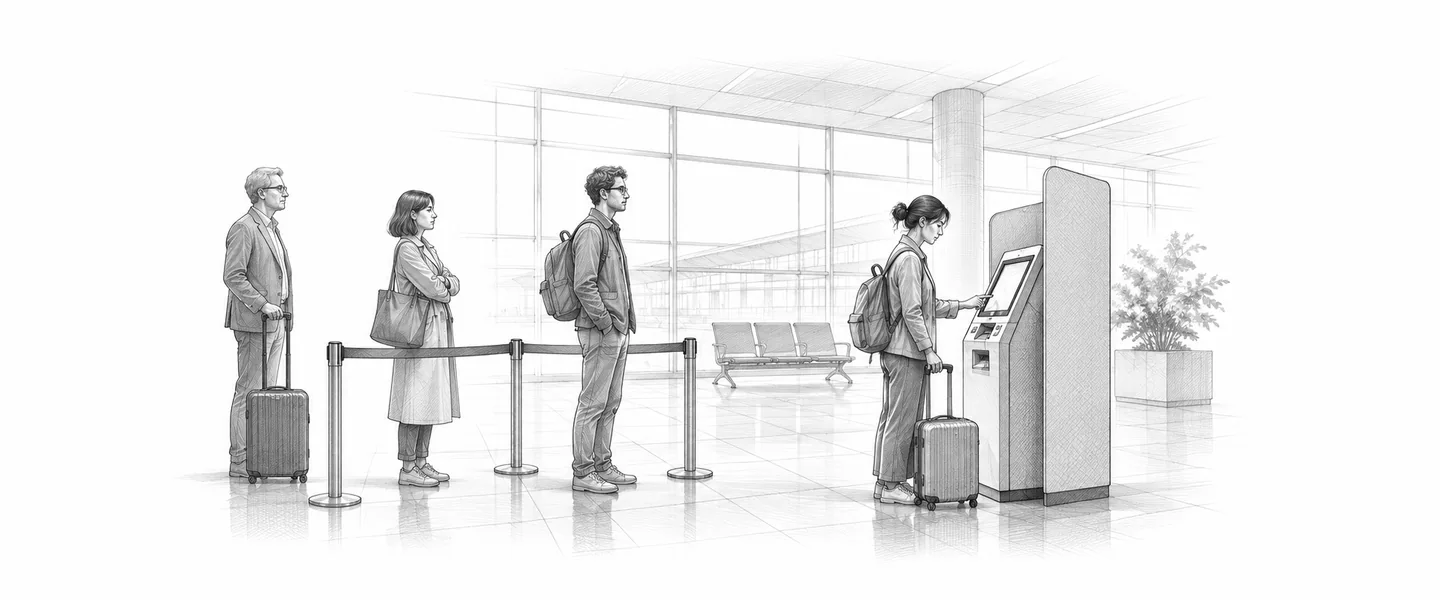
Picture an advice centre with a tablet at reception. A visitor can choose an appointment from the list and tell the adviser they've arrived. A member of staff shows how it works in a quiet room and everyone agrees it will save time. Move the tablet into the foyer and try it with speech output. The person behind the visitor can hear which kind of appointment they've booked. Making the screen usable without sight has exposed something the paper sign-in at the desk handled quietly.
The European ICT accessibility standard EN 301 549 V4.1.1 lists 24 August 2026 as its adoption date and carries a September document date. Its scope includes kiosks. Its closed-functionality clauses concern functions that restrict the use of assistive technology. They set requirements for private access to personal data, non-visual volume control for private listening and equivalent error information in speech output, each under specified conditions. I would use those clauses to ask more precise questions about the equipment, the software and the place it will sit. EN 301 549 V4.1.1, foreword, introduction and clauses 5.1.3.9, 5.1.3.11 and 5.1.3.15
Find out what the installation lets a visitor use
Ask the supplier to show what a visitor can use on the installed equipment. A tablet someone can use at home with their preferred settings may be configured differently on a stand at reception. Find out whether the visitor can reach the speech controls, hear feedback privately and return the device to its starting state. Ask the supplier to demonstrate with the proposed mount and settings. If private audio depends on a separate accessory, have it fitted to the model you're testing and include it in the price.
Stand at the point where people will queue and try the screen there. If a person can read the appointment type over someone's shoulder, work out how much information is needed to check in. A short booking reference might be enough, with confirmation that somebody has been told the visitor is here. Give people a way to proceed if they can't find the reference. The reception team may be able to use it when available and offer a private lookup at the desk when it isn't.
Some places have a reception counter, a doorbell and a person on duty for two hours. Others have a sign and an intercom. Test with the fallback that will actually exist. Ask what happens if someone enters the building after the receptionist goes to help downstairs. A sign that tells people to ask at the desk only works when there is a desk they can locate and someone there to help.
Put the awkward check-in into the demonstration
Give the supplier a made-up appointment and ask a visitor to arrive without sight of the display. Try turning speech on, checking the details and confirming the arrival. Then enter the wrong reference on purpose. If the device can read the first page aloud but an error only appears on screen, the person has to work out whether they're still looking for the right control or whether the code failed. Ask that the error be conveyed privately, in a way that lets them recover. The same test can check whether the kiosk reveals details about a different visitor when a reference is mistyped.
The switch or headphone connection needs to be within reach from the position in which the visitor will use it. Can they find it without looking and change the volume privately? Listen from the queue if a headset unplugs. Run a second check-in after the first and find out what is still visible, audible or selectable. A supplier can explain which behaviour comes from the device and which comes from the settings the reception team applies. Write both into the test result, because a replacement unit may arrive with different settings.
Invite disabled people who would use the service to try the installed setup and pay them for the work. Give them time to arrive and decide where to go before walking them through the screen. Start the test at the entrance. If people head straight into the queue without seeing the kiosk sign, check whether they can find it from where they end up. A person who prefers to check in with staff should be able to find that option without having to try the tablet first.
Make acceptance about what you can reproduce
Get the supplier to name the version and equipment their evidence covers. Ask which parts of the standard they tested and what they have evidence for on the setup you will receive. Then add the appointment and failed-reference trials to the acceptance criteria in language both sides can follow. A promise that the equipment supports accessible audio is hard to act on if the installed device speaks a name into the foyer. An agreed check with a specific speech setting and listening point gives the service team something to repeat when a replacement comes.
Ask for a copy of the agreed settings as part of the installation. Give the duty supervisor one page with the way to start private audio, the check-in reference to use for a routine test and the number to call if the settings have changed. Have that supervisor try it before signing off. They should be able to tell a failed headset from a kiosk that has lost its audio setup, or know who can.
Decide who owns changes once it's installed. A reception supervisor may be able to change the on-screen welcome, while a contractor controls the device settings. Both need to know which changes trigger a new test. If the team adds an evening clinic to the booking system, run a sample appointment for it and listen to what gets announced. A new category can make the same check-in screen reveal much more than it used to.
Let the desk take over without a second queue
Give the receptionist a way to check somebody in from the start, including when the kiosk goes out of service. Test how the separate steps meet. Suppose the visitor finishes entering a code, hears nothing and asks a worker for help. The worker should be able to see if the adviser has already been told, then confirm the arrival without asking the visitor to describe the appointment in front of the queue. Keep a named route for staff to report issues with the setup, including a note on who can put the equipment out of use until a privacy failure has been fixed.
Two weeks after installation, ask reception what people needed help with and repeat the checks with the actual volume in the foyer. If the headset is missing, find out who took it away and why before buying another one. The equipment and its accessories belong in the duty handover, alongside the procedure for checking a person in privately at the desk when the kiosk is out of use.