Teach children how an AI model gets things wrong
A classroom exercise in changing the examples an AI model learns from and testing what happens.
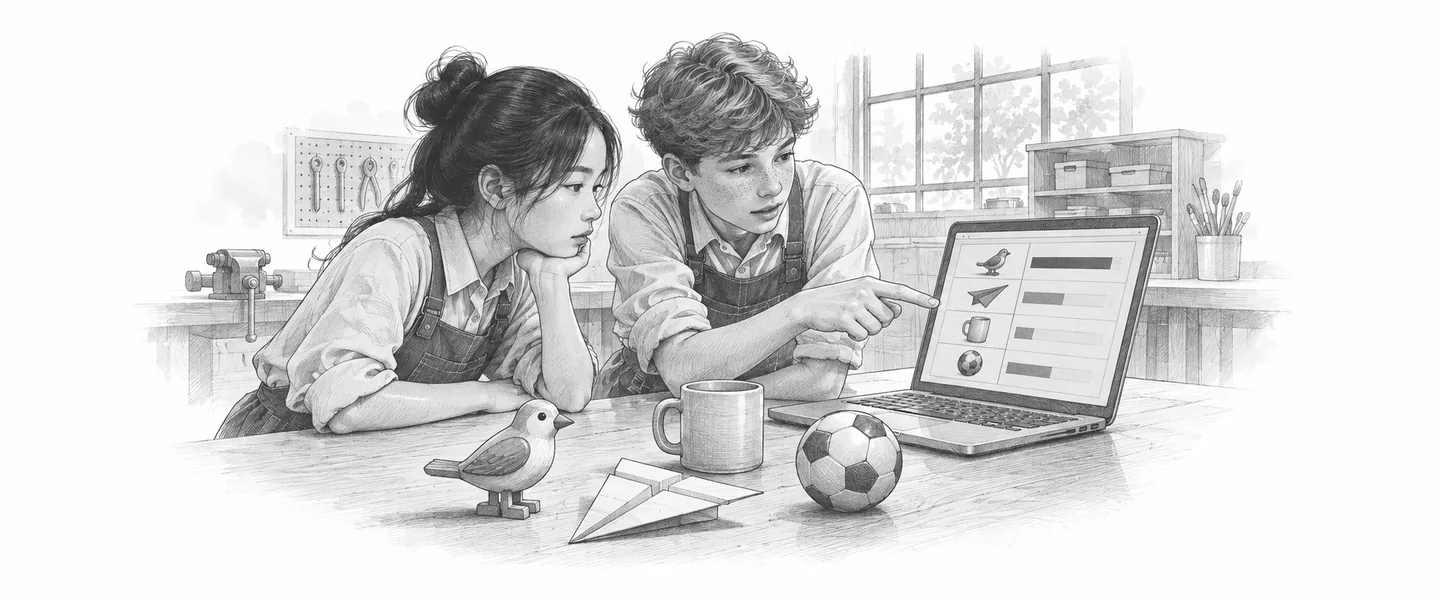
Give a group a small motion sensor and ask them to teach it to recognise a wave. One pupil records all the examples, making quick movements at the same height. It works at their desk. Then they hand the sensor to somebody who moves more slowly. The model calls the second pupil's wave something else. What would the class change first?
That is a lesson you could build around the materials in UNICEF's Tinkering with Tech initiative. At a workshop in Helsinki in January, UNICEF and its partners announced plans to expand the programme and give AI literacy a larger role. The Micro:bit Educational Foundation's CreateAI tool lets pupils collect motion samples, train a model and test what it recognises. The classroom activity below is a proposed exercise based on the tool's published lesson. UNICEF's account of the workshop · Micro:bit training and testing lesson
Make the first attempt easy to understand
Choose two actions pupils can tell apart, such as a side-to-side wave and a gentle tilt. Let the class agree what each name means. It helps if there is a way to do either action while seated. Give pupils a choice between operating the sensor, observing the result and keeping the group's record. Somebody can propose the test and explain what changed even if another pupil moves the sensor.
Start with one pupil recording the training examples for both actions. Keep the model simple enough that the class can describe what it saw before training. Put the names on the board and ask a pupil to write how the sensor was held and moved. Hold back some examples for the test. Use the tool's estimated action to check what it says about a movement it hasn't previously seen. The CreateAI guide describes how to collect examples, train the model and inspect its estimate and confidence. CreateAI user guide
Ask the first pupil to repeat both actions. Then give the sensor to someone else. Write down what the pupil intended, what the model predicted and anything about the movement the group thinks mattered. If both pupils get the same answers, change how someone holds the sensor or use movements at a different speed. The experiment still works if the first model survives the initial test. The question is which change, if any, makes a difference.
Change the examples and run the same test
Before adding data, ask for a guess about why the error happened. The first pupil's waves might all have been quick. The other action might have included a movement that looks similar to a slow wave when you measure it with a sensor. A pupil who says “it didn't know my wave” can look at the recordings and be more specific about what it had seen.
Train a second version with examples from more than one pupil or with deliberate variation in speed and grip. Keep a small test set aside and use it for both versions. If you train the second version on every example that gave the first one trouble, make fresh examples to see whether the change helped elsewhere. The point is to compare the models on data they haven't already seen during training.
Ask the group to count which mistakes disappeared and which remain. Try a movement that belongs to neither action and ask what a useful response would look like. CreateAI exposes a recognition threshold that users can adjust. Changing that threshold gives the group another experiment: a change that avoids one false recognition might leave more intended movements unrecognised. Record which is more disruptive for whatever the class has chosen to make. CreateAI user guide, recognition point
Leave time for a second explanation
A class can learn a lot from the groups that don't see an improvement. Set aside five minutes to compare two changes that seemed sensible but did different things. One group might collect more copies of the same movement and see little change for another pupil. Another might collect fewer examples with different grips and find the model handles more test cases. Treat those as possible results. The class should look at its own records before deciding which explanation fits.
Give the test a job the pupils understand. Imagine a game in which a wave advances to the next question. One mistaken advance could skip a question the group wanted to answer. A missed wave means trying again. A group may decide to require a stronger recognition signal to avoid skipping, even if that makes some waves harder to register. For a different game it may accept the reverse. Pupils are choosing the behaviour of a tool, and the choice depends on what a mistake costs the person playing.
Swap the test sheets with another group. Can that group repeat the movement with the instructions and tell what counts as success? If the answer rests on how the first group meant the word “wave”, fix the definition before comparing scores. A recording of a particular motion isn't a substitute for explaining how the group decided what belonged to the action. A shared definition also gives pupils grounds to disagree with a result in a way somebody else can investigate.
There is a useful follow-on exercise for a teacher who has only one sensor. Ask groups to predict results while somebody else operates it, then compare those predictions with a common set of trials. Use that time to talk about why two tests might disagree. The lesson still gives everyone a chance to propose examples and interpret the evidence without allocating hardware to every desk.
Explain the result without turning pupils into labels
The group labels movements for a small task. There is no need to label the pupils who do them or record anything about their identity in the results. Keep the discussion on which examples the model received, what else somebody might do with the sensor and how the group decided whether the result worked. Nobody needs to wave like the first pupil for the lesson to succeed.
A group that wants to build something with the result can make the sensor trigger a simple effect for each recognised movement. The guide describes running a model in MakeCode on a micro:bit V2. If the class doesn't have that version, the earlier steps of collecting samples and training and testing the model can still be used with other micro:bit versions. That gives the teacher a way to keep the central lesson separate from the hardware needed for the finished project. CreateAI user guide, equipment and setup
The teacher can collect a useful answer even from a group whose sensor or connection fails. Give them the anonymised test sheet from another group and ask them what they would change in the training set. Ask which result would change their mind. In a later lesson, let them try the test themselves and compare the outcome with their prediction.
Finish by asking each group to demonstrate one movement its model handles and one it still confuses. Ask for one piece of evidence that explains the difference and one test they would run if they had more time. If a group can explain why the model worked for one person and failed for another, and can show what happened when it changed the examples, it has learned something it can carry into the next tool it meets.