Test the website update on the laptop that publishes it
Why a routine publishing update needs a test from the machine staff use to publish.
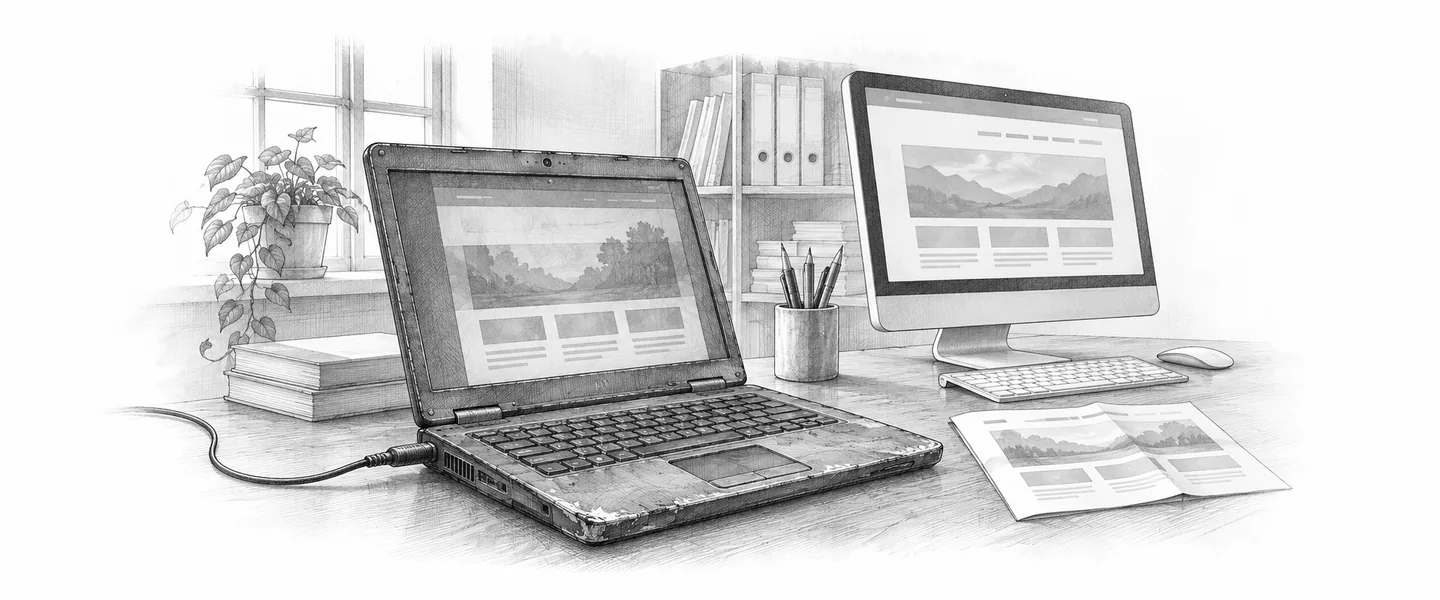
Say a community transport charity publishes a short notice whenever a route changes. The office computer can upload a photograph of the new stop while the editor writes the notice, but the person responsible for weekend changes uses an older laptop in a shared office. If uploading ties up that machine, she has to wait to finish the page or publish directions without the photo. She's the person I'd ask to try the next site update.
WordPress released version 7.1 on 19 August. Among the changes it described was moving image compression, resizing and thumbnail generation into the browser. The announcement also described upload progress indicators and automatic retries when connections drop. The project presented the move as a way to reduce work on the server and help with large uploads. A charity testing the update has another question, which is how the editor's computer behaves while doing that work. WordPress 7.1 release announcement
Test a notice someone could publish this week
Take a copy of the route-change page, a typical photo from the duty phone and an account with the permissions the duty editor normally has. Ask the editor to replace the photo, write a description for someone who can't see it, preview the change and publish in a test copy of the site. Give them the wording and the destination and let them get on with it. A colleague can observe without telling them which button to use. At weekends the duty editor has to make the same decisions with nobody beside her.
Make the file representative. If route photographs usually come straight from the duty phone, use a file of that size and format. The small copy the communications team has prepared for the newsletter can wait. Use a generic photo with permission to share for the test. You want a repeatable upload that won't add real passenger details to a copy of the site.
Record where the time goes. A timer that stops once the media library shows a thumbnail misses whether the editor can finish writing, or whether the published image shows the side of the street with the temporary stop. Keep a rough measure of elapsed time alongside what the editor had to do. If one attempt leaves them free to write and another keeps them watching a progress bar, those timings mean different things to a person who has ten minutes to spare.
Stop the connection once and see what the editor sees
If uploads can retry, try a brief interruption on the test machine while sending the photo. The question is what the editor believes is happening. If they see the same progress text for a minute, they'll have to decide whether to wait, try again or leave. What happens when they choose again? On the test copy, see whether they get two images in the library and whether the notice uses the one they intended. Check what happens to the text already in the editor if they have to reload.
Test a second practical interruption. Suppose the notice needs publishing just as the editor is called away to answer the phone. Can a colleague take over the draft without choosing the wrong image? If the charity's usual practice is to save a draft and ask a second person to read it, follow that practice. An upgrade tested entirely by someone with administrator access can seem finished even when the editor who usually hands the page over is missing a menu or permission.
Keep a plain-text route notice ready to publish as soon as the new stop is confirmed, and let the photo follow if there's trouble. Write the street name and which side of the road in the notice. If the image is doing the work of those instructions, putting it back becomes urgent even when the text page is already live.
Check the public copy before you call the update finished
Open the published test page from a separate session, ideally on a phone. Compare the visible directions and the image description with what the editor entered. If the old image appears, write down which page and device showed it before refreshing everything. The editor's preview and a reader's page can give you different evidence, and a single record of the sequence helps identify where to look. Then repeat the photo replacement on one older news item that uses a layout still found on the public site.
Look at the files the reader receives and the files the editor can choose again. A photo that looks fine in a thumbnail may be too small to crop when a volunteer needs to reuse it in a large-print notice. If the charity needs source photographs for its work, decide where to keep a usable original and try to retrieve one. Check the actual download with the person who makes those notices. The team can decide how much source material to keep once it knows what leaves the duty phone and what it can get from the site.
Repeat the slowest attempt with the old version on an equivalent test copy if you need to decide whether the update caused the delay. Keep the same file, device and connection. If the editor struggles on both versions, read the result as a problem with the current publishing setup and investigate it there. If the delay appears only on the new version, you've got a case to share with support.
Put the result into a few lines in the update record. "Published sample notice from duty laptop, original phone photo, editor account, recovered after brief connection drop" is evidence somebody can repeat. "Media fine" leaves the next person to find a laptop and pick a file, and invites them to call the test finished when their own upload works.
Give the duty editor a route back
Agree in advance what would make you postpone a feature change or call your support provider. A publish button that the editor can't operate, or a route notice that shows the wrong stop after an apparently successful replacement, is enough. Keep the ordinary site update and recovery arrangements in view, and agree who checks for new notices or edits if restoring a copy becomes necessary. If the site itself is unavailable, agree where the office will post a route change and have somebody check that passengers know where to look.
Leave the duty editor a link to the test result and the number of the person who can help on Saturday. Put both beside the instructions for updating a route. If the photo stalls on Saturday, the editor already has the wording for the stop and can tell passengers where to wait before the next bus leaves.