Find out what the staff dashboard counts
How to check that a dashboard’s counts match the work staff are doing.
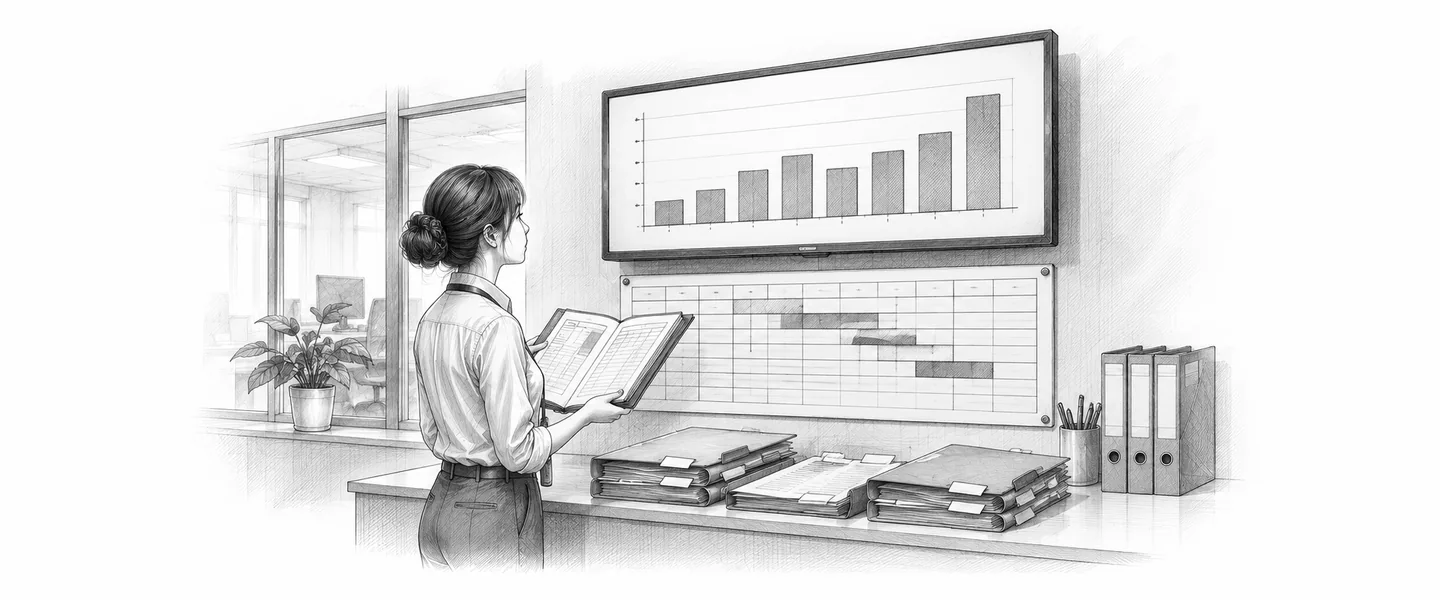
Imagine you inherit the phone system at an advice charity. In the supervisor's dashboard there's a column called "available time", and a worker on a short shift appears to spend half of it unavailable. Ask her what she was doing and she can account for most of it. She rang two clients on a service mobile, interpreted for a colleague and spent twenty minutes trying to find out whether an appointment had been cancelled. The chart had counted time away from the phone queue. In the supervision meeting it was used to account for her whole shift.
The UK government's consultation on workplace monitoring technologies had a response deadline of 30 September. The Department for Business and Trade sought views including on transparency and worker voice, with proposals subject to consultation. Those are questions a charity can ask about an inherited system even when the software was bought to manage the queue and nobody remembers deciding to measure individual staff. Consultation document and deadline · Consultation summary
Trace one number back to what happened
Choose a number somebody uses in a meeting and ask them to show where it comes from. Which action puts a worker into the available state? What happens if they answer a transferred call, if they follow up outside the system or if a supervisor takes them out of the queue to help a new colleague? Use a few staged calls with a test worker, including whatever counts as a normal break, and compare the recorded events with the supervisor's report. If the dashboard groups two states together, ask the person responsible for the queue to explain what the grouped number still tells them.
Give the metric a name that reflects its boundary. "Ready for a call in the advice queue" tells a shift manager something specific. "Available time" invites a wider inference, particularly when the person reading it has never worked the queue. If you can change a heading in the report, do it there. If the product gives you a fixed label, write the definition on the page where the organisation uses the figures and in any spreadsheet that travels outside the phone team.
Find out where the number goes. It may appear in an automatically emailed summary and again in a spreadsheet a supervisor uses to prepare one-to-ones. Ask the people receiving the reports what decisions they make from them and which columns they ignore. If the service already knows which hours it wants to staff differently, it can examine the queue for those hours without routinely circulating the individual figures. Compare the old report and the proposed view with the rota lead before removing the one they actually need.
Ask staff to review a real use of the measure
Show staff the measure and the proposed use while there is still something they can change. Use a staged record at first. Ask which kinds of work it would miss and what the report would make them do differently. An adviser may say they'd stay set to "ready" when writing a case note if "unavailable" is read as poor performance. The next caller could then interrupt the note halfway through. If your aim is to improve the response time for callers, that is worth finding out before the metric is used in a meeting.
Ask workers who do different shifts, including anyone who routinely takes calls through another channel. Make it possible to flag a problem privately and give the people reviewing the report time to respond. Tell staff which requests changed the report and leave the reasons with the measure. If supervisors disagree about what to do with the figures, resolve that before giving them a report staff expect to be interpreted consistently.
Build a correction route that a worker can use without asking to see someone else's calls. They should be able to check what was recorded about the shift in question, supply relevant context and find out what happens to the disputed figure. In the opening example, the supervisor can use the rota and the worker's explanation to correct a mistaken account of her availability. If a chart is kept for team planning, decide how the disputed entry will be treated when the team adds up the week.
Give separate decisions separate evidence
The phone team's live view has a specific purpose. It lets the duty lead move somebody onto the line when callers are waiting. A report about an individual across several months serves another purpose and demands a fuller account of their work. I'd keep the live numbers available to people running the queue and ask for an explicit decision before using them to assess a worker. Put the decision with the report so the next supervisor sees it before copying a column into a performance record.
Ask the supplier what controls exist for recordings, call events and the reports built from them. Then check which settings the charity actually has. Try the ordinary adviser and supervisor accounts and see who can open the reports. Find the exported copies the supervisor receives, if any, and ask how long those are useful. A change to the application's retention setting leaves the copies in a shared drive to be dealt with separately. Put deliberate limits and decisions about collection, use and retention through whoever owns workforce information for the charity.
Give workers a way to hear about changes before a new report is used. If the supplier adds a flag for long pauses and it appears in the supervisor's export, the rota lead should know whether anyone agreed to collect or use it. Ask them to check the columns after the next upgrade and confirm which go into the shared report. Somebody has to make that choice before an extra column ends up in every monthly spreadsheet.
Fix the inherited report where people see it
If the number has already been used in decisions about staff, find out which decisions and give the people responsible the corrected interpretation. For a routine rota meeting, a changed report and an explanation may be enough. If it affected someone's review or shift allocation, involve the people responsible for those decisions and give the worker a chance to explain what the system missed. Mark the old report as superseded wherever you can so it doesn't return as a template next month.
In the example, the supervisor can still see when callers are waiting and which advisers can take a call on that system. Remove the number from the section of the review form that asks how the worker used their shift, and give the rota lead the definition they need for staffing the line. The next person taking over should be able to open both documents and see why the same column belongs in one meeting and was taken out of the other.